I assess labs and imaging centres, and I've headed a radiology department myself. The software a centre uses shows up quickly in an assessment. When the records sit in one place, the assessor's questions take minutes. When they're spread across a billing program, a register book and a few spreadsheets, the same questions take hours, and gaps nobody noticed come out on the day.
So if you run a small lab or imaging centre and you're choosing an LIS and RIS, this is what I'd check.
It should run your whole day
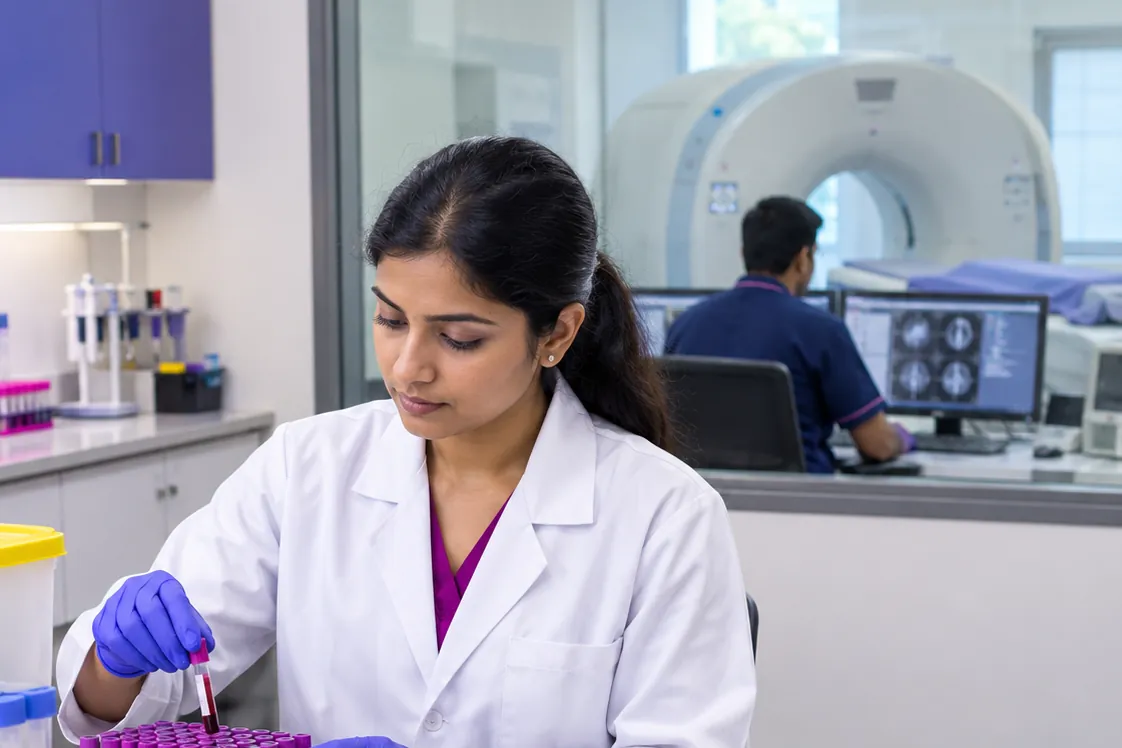
One system should cover the front desk and the back room: registration with a unique ID for every patient, billing that takes cash, UPI and card, sample collection, result entry, a doctor's approval, and the report going out by print, PDF or WhatsApp. On the radiology side, you want a booking board for each machine, an arrival step and the clinical indication written down before the scan.
Every step that happens outside the system is a place where a record goes missing.
Results need flags you can trust
Look for reference ranges by age and sex, high, low and critical flags, and calculated tests such as LDL and eGFR worked out for you. A second look at a value that seems to be a typing error matters in a small lab, because there's rarely a second person checking every entry.
Approval matters as much. A technician enters, a doctor approves, and once a report is approved nobody should be able to change it quietly. A change should make a new version with a reason, and the old one should stay.
Radiology needs safety and consent built in
For CT and MRI, the safety questions, the contrast details and the consent are records an assessor looks at closely. Good software asks the safety questions for each type of machine, records the doctor's decision when an answer is a stop, puts the patient's latest creatinine and eGFR from your own lab on the request, and keeps the consent and the time-out with the study.
For ultrasound in India, it should keep the Form F register and refuse any text that states the sex of a fetus.
Critical results should leave a trail
When a result or a scan finding is critical, someone has to be called. The software should stop the person approving until they record whom the call went to and when, and count how many minutes it took against your own target. Anyone should be able to mark a result critical, but nobody should be able to unmark one that is critical by its number. An assessor will ask to see this, so a critical result with no call recorded should show up as a gap.
The owner needs MIS too
If you own the centre, you need your numbers without a month-end spreadsheet: daily collection by payment mode and by user, dues, cancelled bills and refunds, discounts given, test counts by department, the referrer summary and pending results. All of it should print and export.
Your data should stay with you
Internet in many centres is patchy. Software that runs on your own computer keeps working when the connection drops, and your patients' data stays with you. Ask about daily backups and an audit trail that shows any change to clinical or billing data.
NABL and NABH readiness should come from the records you already keep
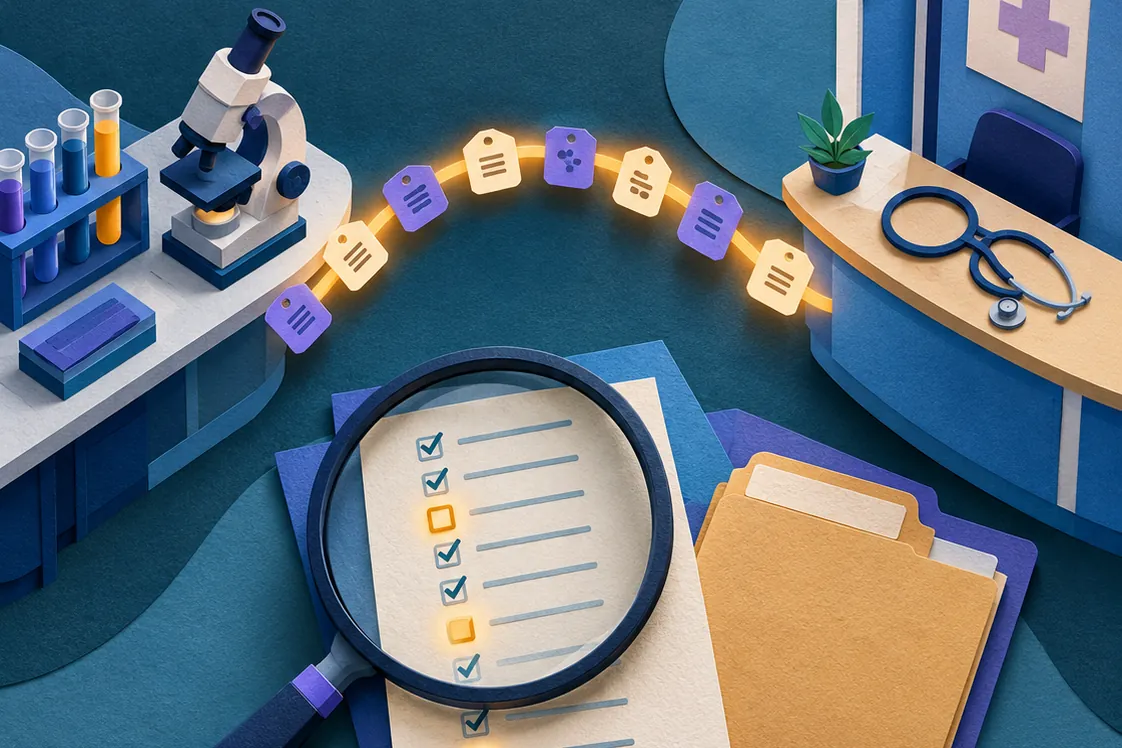
This is where I'd push hardest. An assessment is about evidence: which register answers each clause, and whether it's complete. Software that maps your own records to the NABL and NABH clause codes, counts them and lists what's missing saves a lot of preparation. Look for checks such as contrast given without a lot number, a critical result with no call recorded or equipment with maintenance overdue, and for one way to put the registers, the indicators and the gaps together for the assessor.
No software makes a centre compliant, and I'd be careful with anything that gives you a score. The assessor decides. The software's job is to show you where your records are and where they aren't.
Quality control, if you're an NABL lab
Ask for internal quality control with Levey-Jennings charts and the Westgard rules, and a rule that a rejected run needs a corrective action before that test's results are approved for the day.
What my team built
My team built Dxbank around these points. It's a very advanced LIS, RIS and MIS for laboratories and imaging centres. It runs on your own Windows computer with no internet needed, covers everything above, and has NABL and NABH dashboards and evidence packs built in. There's a 7-day demo, and the details are at lexmedix.in/dxbank.
Whatever you choose, take this list to the demo and ask to see each item working with your own tests and scans.